NetMonkeys / Church AV Solutions

Church AV solutions: clear words, visible content and confident volunteers

Make spoken words clear, projected content readable and the controls manageable for volunteers. NetMonkeys helps churches and community organisations define AV requirements for services, meetings, teaching and hybrid participation.

A church can host worship, community events, teaching and small meetings in the same week. Each activity may use different microphones, content and seating. A clear operating brief helps avoid buying a complex system that only one experienced volunteer can manage.

  • Design and equipment supply
  • Installation and integration
  • Practical handover and support
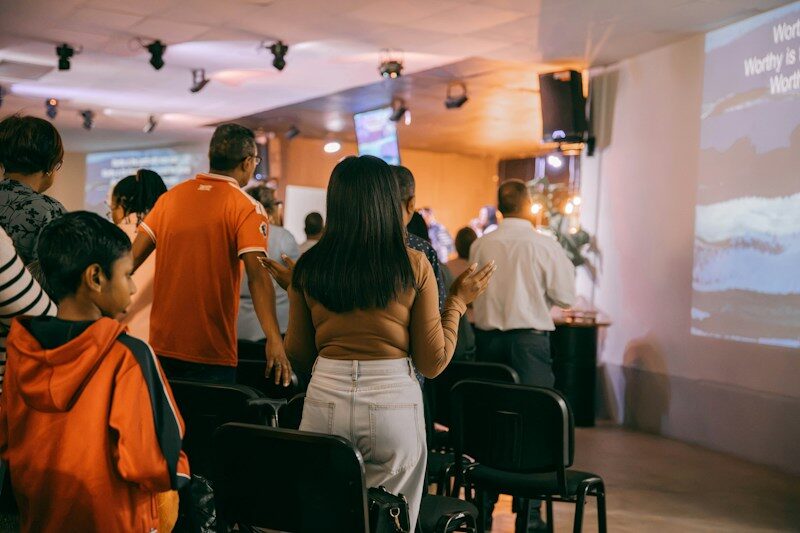
Congregation seated in a church during a service
Benito sanity / Unsplash. Illustrative photograph.
Quick answer

A church AV brief begins with speech and participation

Church AV solutions may combine speech reinforcement, presentation displays, projection, microphones and streaming equipment. Music, room acoustics, accessibility and volunteer operation affect the design. NetMonkeys assesses the requirement and identifies specialist acoustic, production or building work before confirming the installation scope.

Begin with the result you need from the space and the people who will operate it. NetMonkeys will help identify the equipment, installation tasks and IT dependencies that belong in the proposal. Our audio visual installation service explains the wider delivery approach.

A brief built around your organisation

Describe worship, teaching and community uses separately

Start with intelligible speech

Reverberant rooms can make speech difficult to understand even when the sound is loud. Microphone choice and placement matter, but equipment cannot fix every acoustic problem. We identify where room treatment or specialist acoustic advice may be needed.

Design for the volunteer team

Agree the normal start sequence, who changes settings and which controls occasional users need. Label connections and provide practical guidance. A reliable basic setup is more useful than a mixing workflow the available volunteers cannot confidently operate.

Streaming and music need a specific brief

Sound that works in the room may not work for an online listener. Describe instruments, performers, remote participation and any recording requirements. Streaming permissions, content rights and participant information remain organisational decisions, supported by the technical setup.

Match the technology to the activity

Support the activities your church hosts through the week

Spoken services and talks

Speech coverage and suitable microphone operation.

Projected material

Readable text from the normal seating positions.

Community teaching

Flexible presentation and group participation.

Online participation

Separately assessed audio and video for remote audiences.

These examples establish the design conversation, rather than a fixed equipment package. Tell us which uses are essential and which would be optional. A feature that is rarely needed should not make every normal session harder to start.

From design to day-to-day use

Choose the church audiovisual work that matters

Speech and presentation requirements

Assess spoken-word coverage and microphone operation for the congregation, identifying where specialist acoustic advice is needed.

Projection and display visibility

Check projected words and other content from normal seating, including sightlines and the room’s usual lighting conditions.

Volunteer operating workflows

Create a manageable sequence for the volunteer team, with labelled connections and a practical introduction for occasional operators.

Assessed streaming and recording needs

Describe music, remote participation and recording as specific requirements so the appropriate technical and production input can be identified.

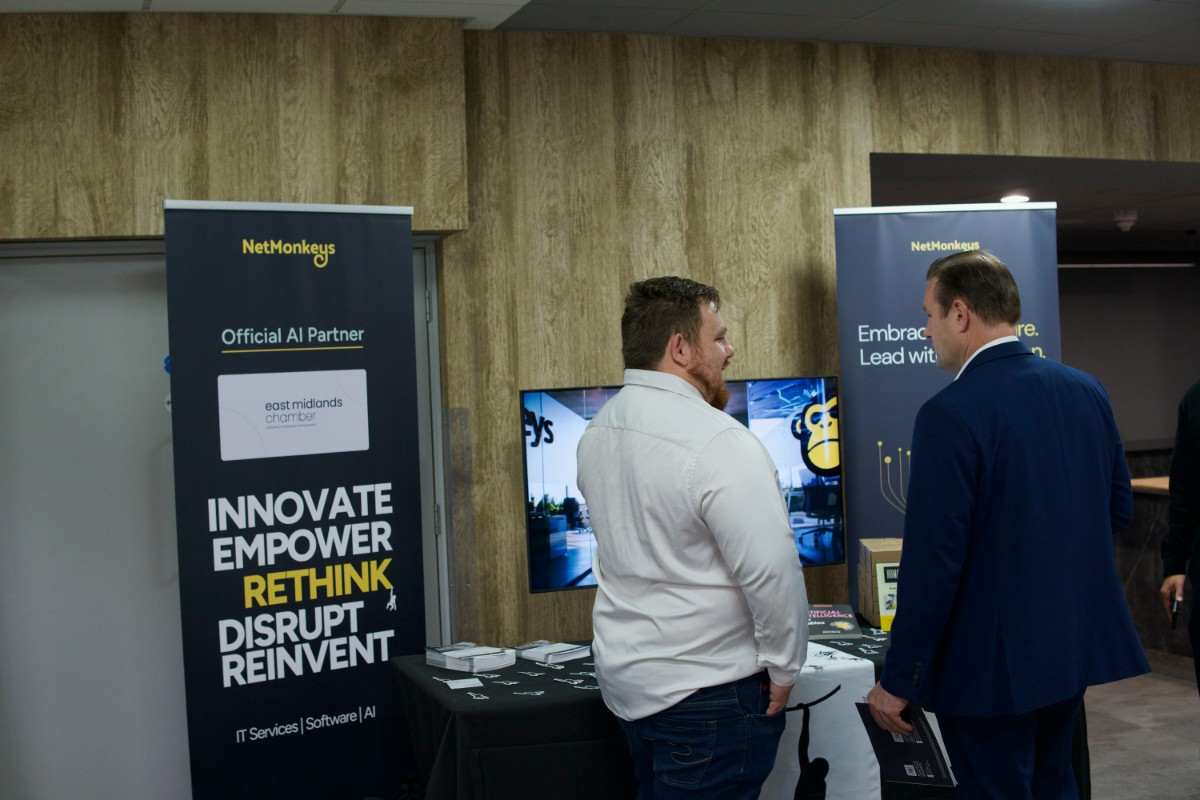
People at a NetMonkeys business technology event
NetMonkeys team photography. Illustrates the people and activities behind our services.
Usability comes first

Make the normal service manageable for volunteers

List the normal service sequence and the controls the operator needs. Agree which settings should be left alone and who can change the underlying configuration. Label connections and keep the operating guide short enough to use during a service. Training should include an occasional volunteer, not only the most experienced member of the team.

Review your room requirements

For a more detailed room brief, explore Training Room AV Solutions and Interactive AV Solutions. These pages help connect this project with the specific activity your users need to complete.

Evidence before sign-off

Listen from the congregation and the online audience

Listen from several normal congregation positions and include the remote audience where streaming is required. Loud sound is not necessarily intelligible sound, particularly in a reverberant room. Test projected text at the actual viewing distance. Record where specialist acoustic work or a different equipment approach is needed.

Room priorities for Church AV Solutions
ActivityWhat the design should address
Spoken services and talksSpeech coverage and suitable microphone operation.
Projected materialReadable text from the normal seating positions.
Community teachingFlexible presentation and group participation.
Online participationSeparately assessed audio and video for remote audiences.
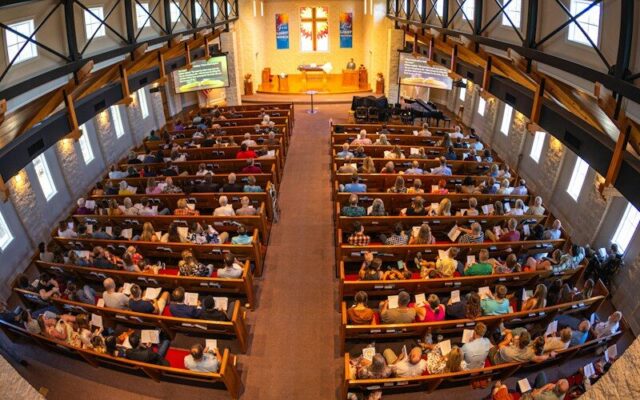
A group of people standing in a church with hands raised in worship
Charise Pieterse / Unsplash. Illustrative photograph.
A controlled delivery plan

Prepare people, permissions and the installation plan

Prepare the programme before selecting equipment

Tell us about spoken services, music, teaching, community events and any live-streaming requirement. Identify property permissions and the dates when the room is available. Music production and online audio may need specialist input. Agree those requirements and the volunteer handover before installation is confirmed.

Compare the whole project

Build the budget around the church’s actual programme

Clear speech and readable content may be the first priority. Additional microphones, instruments, recording or streaming need a specific requirement and operating plan. Ask the proposal to explain equipment, installation, training and support, including any specialist acoustic or production work outside the core installation.

Request a scoped proposal
Questions before you buy

Questions from church leaders and volunteer operators

What is included in church AV solutions?

Church AV solutions may combine speech reinforcement, presentation displays, projection, microphones and streaming equipment. Music, room acoustics, accessibility and volunteer operation affect the design. NetMonkeys assesses the requirement and identifies specialist acoustic, production or building work before confirming the installation scope.

Can occasional church volunteers operate the AV system?

List the normal service sequence and the controls the operator needs. Agree which settings should be left alone and who can change the underlying configuration. Label connections and keep the operating guide short enough to use during a service. Training should include an occasional volunteer, not only the most experienced member of the team.

How do you check speech clarity across the congregation?

Listen from several normal congregation positions and include the remote audience where streaming is required. Loud sound is not necessarily intelligible sound, particularly in a reverberant room. Test projected text at the actual viewing distance. Record where specialist acoustic work or a different equipment approach is needed.

What information is needed about music and streaming?

Tell us about spoken services, music, teaching, community events and any live-streaming requirement. Identify property permissions and the dates when the room is available. Music production and online audio may need specialist input. Agree those requirements and the volunteer handover before installation is confirmed.

How should a church prioritise its AV investment?

Clear speech and readable content may be the first priority. Additional microphones, instruments, recording or streaming need a specific requirement and operating plan. Ask the proposal to explain equipment, installation, training and support, including any specialist acoustic or production work outside the core installation.
Business technology guides

Reading around shared technology and support

These existing NetMonkeys guides address the IT, budget and support decisions around room technology. The descriptions explain their relevance to this project; they are not dedicated AV product reviews.

Explore related AV services

Explore related learning and interactive AV

Use the pages below to explore the room, sector or location most relevant to your project. Each page links back to our installation service so the equipment and delivery discussion stays connected.

Locations

Rooms, sectors and specialist requirements

Speak to NetMonkeys

Tell us how your congregation and volunteers use the space

Tell us which rooms or sites are involved, what users need to do and what is not working today. Bring any drawings, equipment lists and deadlines you already have. We will help identify the design, supply and installation work needed for a practical next step.

Updated 16 November 2026. Stock photography illustrates the relevant setting; it is not presented as a NetMonkeys installation or local client case study.