
Outsourced IT support
Investing in outsourced IT support services is an important decision that empowers businesses regardless of industry. At NetMonkeys, our IT support outsourcing solutions deliver a single point of accountability for your business, from cybersecurity, and cloud environments, allowing your team leverage technology better.
Book a Free IT Assessment
What is outsourced IT support?
Outsourced IT support means handing your day-to-day IT — helpdesk, monitoring, security, cloud administration — to an external provider instead of hiring an internal team or a single in-house IT person. You get a full team's worth of coverage and specialism, without a full team's worth of salaries.
It's not the same as hiring a freelancer to "sort your IT out" when something breaks. A proper outsourced IT department means someone's watching your network at 2am, someone's patching your servers before a vulnerability gets exploited, and someone's answering the phone when a member of staff can't log in on a Monday morning — all under one contract, with response times written down rather than promised over coffee.
Are you planning to outsource your IT support services?
If your organization is evaluating whether to transition to an external model, it is essential to assess your current operational roadblocks. Many organizations begin planning their IT support outsourcing when internal teams become overwhelmed by daily helpdesk requests, or when scaling requires more advanced cybersecurity and cloud infrastructure than existing resources can reliably manage. Defining your compliance, security, and strategic objectives is the vital first step toward successfully migrating to outsourced IT services.
Our Outsourced IT support services
We deliver end-to-end technical support outsourcing designed to integrate smoothly with your corporate workflows. From proactive infrastructure monitoring to reliable end-user assistance, one comprehensive contract covers everything a growing business actually needs from its managed IT environment.
Helpdesk & Desktop Support
Day-to-day tickets, password resets, software issues and hardware troubleshooting for every member of staff.
Network Monitoring
24/7 monitoring of servers, switches, firewalls and Wi-Fi, catching problems before they become outages.
Cybersecurity
Endpoint protection, MFA, email filtering and managed threat detection, backed by Cyber Essentials Plus certification.
Cloud & Microsoft 365
Tenant administration, licensing, and migrations handled by people who do it every week, not once a year.
IT Strategy
Quarterly reviews and a technology roadmap, so IT decisions get made ahead of time, not in a panic.
Procurement
Hardware and software sourced, specced and configured, passing through supplier discounts rather than marking them up.
Benefits of UK outsourced IT support
Choosing a domestic partner for your IT support outsourcing delivers critical advantages regarding data compliance, incident response times, and clear communication.
Data Compliance
Operate with confidence knowing your data management adheres closely to UK GDPR frameworks and that your provider can easily align your network with Cyber Essentials criteria.
Rapid Response
While standard technical support outsourcing resolves most issues remotely, physical proximity ensures rapid dispatch of field engineers during severe hardware or infrastructure failures.
Local Experts
Ensure a frictionless support experience with a technical team that natively understands UK business environments, communicates clearly, and operates seamlessly within your core hours.
Affordable Support
Leverage top-tier UK IT talent through a predictable operational expense, bypassing the high costs and retention challenges of building an in-house department.
Expert Engineers
Access a deep bench of certified specialists across networking, security, and cloud architecture without paying full-time salaries for each individual discipline.
Proactive Security
Stop cyber threats before they disrupt your business operations with continuous 24/7 network monitoring, advanced endpoint protection, and managed threat detection.
Types of outsourced IT support we offer
We provide flexible IT support models designed to scale alongside your business. Whether you need complete infrastructure management or targeted technical backup, we align our services to your exact operational requirements.
Fully Outsourced IT Support
We act as your complete Managed Service Provider, taking full accountability for your entire IT function—from 24/7 helpdesk resolution to cloud architecture and proactive cybersecurity.
Co-Managed IT Support
Support your internal IT staff in a fractional capacity. We deliver targeted upskilling, cover operational resource gaps, and help your team smoothly integrate and deploy new enterprise technologies.
On-Demand IT Support
Responsive, pay-as-you-go technical solutions delivered precisely when you need them. An ideal model for resolving sudden time constraints and addressing immediate, specialized skill gaps.
Why outsource your IT department instead of hiring in-house?
One in-house IT hire covers roughly 9-to-5, five days a week, in one specialism. Outsourcing IT support gets you round-the-clock cover across networking, security, cloud and desktop support, without the recruitment risk of betting the whole function on one person's skillset.
One hire is a single point of failure
When your one IT person is on holiday, off sick, or leaves for a better offer, everything they knew leaves with them.
Nobody's watching overnight
An in-house hire clocks off at 5pm. Ransomware and server failures don't check the time before they happen.
Specialisms don't fit in one head
Networking, cybersecurity, cloud administration and desktop support are different skillsets. Outsourcing gets you all of them.
Technical support and outsourced desktop support, done properly
Most of what "IT support" means to an average employee is desktop support — the laptop that won't connect to the printer, the software update that broke something, the account that's mysteriously locked. Outsourced desktop support means a real person picks up, not a ticket that sits in a queue for two days.
Remote-first, on-site when it matters
Most technical support outsourcing is resolved remotely in minutes. Hardware failures and office moves get an engineer physically on-site.
Tracked, not guessed
Every ticket has a response-time SLA attached, so "someone will look at it eventually" isn't an acceptable answer.
Outsourced, in-house, or somewhere in between
Fully outsourcing isn't the only option, and it's not always the right one. Here's how the three common models actually compare.
| Model | Best for | Trade-off |
|---|---|---|
| Fully outsourced | Businesses with no internal IT resource, wanting full accountability in one place | Less day-to-day face time than an internal hire, unless on-site visits are built in |
| Co-managed IT | Businesses with an internal IT person who needs backup, holiday cover, or specialist escalation | Requires clear division of who owns what, agreed upfront |
| Fully in-house | Very large teams that can justify a full multi-specialist department | Highest cost, and single points of failure unless the team is large |
How IT support outsourcing actually works, step by step
Assessment
We review your current setup, contracts and pain points, so recommendations are based on what you actually have.
Onboarding
Systems documented, access set up, and a named contact assigned before your first ticket is ever raised.
Ongoing Support
Helpdesk, monitoring and security running day to day, with quarterly reviews to keep the roadmap current.
Hear from our customer success team on how we implement and onboard you.
Outsourced IT support across the UK
A UK-based helpdesk, backed by field engineers who can be on-site when remote support isn't enough.
What separates good outsourced IT companies from the rest
Not every IT support outsourcing company is built the same way. Here's what's actually worth checking before signing anything.
Written SLAs
"We'll get to it soon" isn't a response time. Ask for documented targets by ticket priority.
Real certifications
Cyber Essentials, Microsoft partner status — verifiable, not just claimed on a website.
Exit terms
Ask what happens to your data, licences and documentation if you ever leave. You should own all of it.
UK-based engineers
Time zone and language matter less than whether the person answering understands UK business norms and compliance.
Outsourced IT services across every sector
Professional Services
Law firms, accountants and consultancies with client confidentiality and compliance requirements.
Manufacturing
Shop-floor connectivity and ERP integration alongside standard office IT.
Retail
PCI-compliant networks and EPOS systems that can't afford downtime.
Charities & Not-for-Profit
Budget-conscious support that still meets funder compliance requirements.
What does outsourcing IT support actually cost?
Most outsourced IT support is priced per user, per month, scaling with headcount rather than a flat fee that punishes small businesses or a per-incident charge that punishes big ones. It's typically cheaper than one full-time IT hire once you account for salary, training, sick leave and the specialisms a single person can't cover alone — but the honest answer is it depends on your current setup, which is exactly what a proper assessment is for.
What businesses typically see after switching
Certified engineers across every ticket, not just the ones you can afford to hire.
Monitoring and helpdesk coverage, not just office hours.
Average first response on priority-one tickets.
Client retention — most businesses that outsource with us, stay.
Why businesses actually stick with NetMonkeys
No junior gatekeepers
We don't use 1st-line call handlers to read scripts. When your team rings the helpdesk, they get straight through to an engineer who can actually fix the problem.
Zero surprise invoices
No creeping costs, no sneaky call-out charges, and no extra bills for "out-of-hours" panic fixes. You pay a flat monthly fee, and we take on the risk.
We actually show up
We aren't just a faceless email address. When a problem requires hands-on work, or it's time for your quarterly IT roadmap review, we turn up at your office in person.
Security isn't an "upsell"
We don't treat cybersecurity as an optional premium add-on. Hardening your network to Cyber Essentials standards is baked into our base contract, because doing IT without it is negligent.
Our 8 Microsoft Partner Designations
We hold top-tier Microsoft accreditations, proving our technical capability to deploy, secure, and manage your entire Microsoft ecosystem properly.
Infrastructure (Azure)
Microsoft Solutions Partner
Microsoft Cloud
Microsoft Solutions Partner
Brands we work with
Certified partnerships that back up the support your team actually receives.


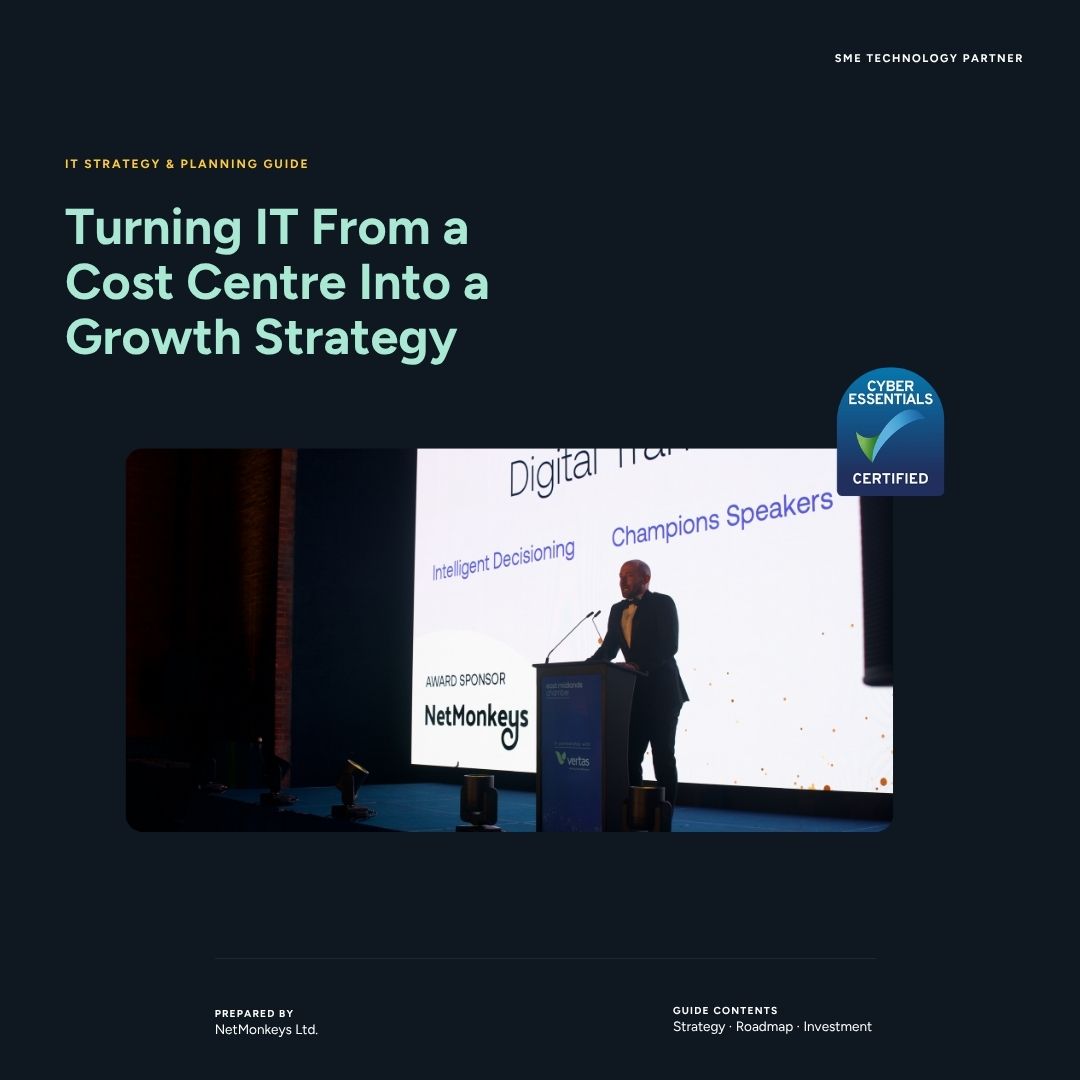
Download the ultimate guide to outsourcing your IT support
Transitioning from an in-house setup or a chaotic break-fix model to a fully managed outsourced IT department can be a complex undertaking. Without a clear framework for vendor selection, businesses risk signing restrictive contracts with underperforming providers that fail to scale with their operations.
Grab our complete buyer's blueprint. We outline the critical questions you must ask potential Managed Service Providers (MSPs), how to audit your existing network for technical debt, and the exact steps to guarantee a frictionless migration that keeps your data secure and your team productive.
Download the Free GuideNeed Outsourced IT Support anywhere in the UK?
We serve customers around the UK.
Outsourced IT support: common questions
What's the difference between outsourced IT support and managed IT support?
In practice they're used interchangeably. "Outsourced" usually emphasises replacing an internal function; "managed" usually emphasises the ongoing, proactive nature of the service. We provide both under the same contract.
Can we outsource just part of our IT, and keep the rest in-house?
Yes — this is co-managed IT, and it's common for businesses with an internal IT person who needs holiday cover, overflow support, or specialist help with security or cloud that isn't their main strength.
How quickly can we switch to an outsourced IT provider?
Most onboarding takes 2–4 weeks, covering system documentation, access setup and a handover from any existing provider, so nothing gets missed on day one.
Is outsourced IT support only for small businesses?
No. We support businesses from around 5 users up to 500. Above that, we typically work alongside an internal IT team rather than fully replacing it.
What happens to our data if we switch providers later?
It's yours. You keep your tenant, licences, documentation and passwords regardless of whether you stay with us — there's no lock-in built into how we work.
Latest news and IT support insights
Read our latest articles covering everything from transitioning your IT provider with zero downtime to maximizing ROI for charities and schools.
The Benefit of Professional IT Support for Schools
Discover how dedicated IT services enhance classroom learning, secure student data, and streamline administrative workflows in the education sector.
Managed IT Support vs In-House: ROI Guide for Charities
A complete breakdown of the cost differences and operational benefits when comparing a managed IT provider to an internal team for non-profits.
How to Switch IT Support with Zero Downtime
A practical, step-by-step framework to migrating to a new technical support partner without disrupting your day-to-day business operations.
How to Choose an IT Support Company
A practical guide for UK businesses detailing the critical questions to ask and the SLAs to demand when evaluating potential managed service providers.
Why Small Charities Are Outsourcing Their IT Support
Learn the key reasons non-profits are shifting to outsourced IT models to handle compliance, cybersecurity, and cloud management on tight budgets.
Top IT Support Companies for Charities: What Really Matters
Cut through the marketing noise and find out what genuinely makes an IT support partner effective and reliable for the UK charity sector.
Thinking about outsourcing your IT support?
A free assessment of your current setup, with an honest answer on whether outsourcing makes sense for your business right now.

