NetMonkeys / AV Solutions for Transport

AV solutions for transport: keep workplace communication moving

Support staff briefings, training and workplace communication across transport and logistics operations. NetMonkeys plans AV for operational offices, depots and shared staff spaces with clear boundaries around safety-critical systems.

Transport businesses may work across shifts and several sites. Information needs to remain readable, current and accessible to the people who use it. We begin with the communication task, then identify whether the room or display is part of general business IT or a more specialist operational system.

  • Design and equipment supply
  • Installation and integration
  • Practical handover and support
A group of people loading cardboard boxes into the back of a truck
Karata My / Unsplash. Illustrative photograph.
Quick answer

Audiovisual systems for transport staff and workplaces

AV solutions for transport organisations can include briefing-room displays, training technology, conferencing and internal information screens. The specification should address operating hours, background noise, content ownership and network separation. Passenger information or safety-critical control requires a separate validated design and specialist involvement.

Begin with the result you need from the space and the people who will operate it. NetMonkeys will help identify the equipment, installation tasks and IT dependencies that belong in the proposal. Our audio visual installation service explains the wider delivery approach.

A brief built around your organisation

Identify the line between communication and operational control

Shift briefings that people can follow

Specify viewing distances, likely audience size and ambient noise. Decide how information is updated and how the next shift finds the current version. An attractive screen is of little use if schedules or instructions are out of date.

Training across depots and offices

Standard controls help trainers move between sites. Different rooms may need different hardware, but the joining process, content connections and support route can be consistent. Test practical demonstrations and audience questions in each agreed environment.

Keep operational boundaries explicit

A general AV project should not silently become a control-room, emergency announcement or passenger-information system. Identify safety, resilience and integration requirements at the start. Specialist systems require their own assessment, approvals and acceptance evidence.

Match the technology to the activity

Where depots and transport offices need better information

Depot briefing rooms

Staff communication with an approved content route.

Depot and office learning rooms

Readable material and clear audience participation.

Operations offices

Conferencing and collaboration for distributed teams.

Shared staff areas

Current internal information with named ownership.

These examples establish the design conversation, rather than a fixed equipment package. Tell us which uses are essential and which would be optional. A feature that is rarely needed should not make every normal session harder to start.

From design to day-to-day use

Select briefing, training and collaboration capabilities

Shift and staff briefing displays

Specify staff information against the audience, shift pattern and normal depot conditions, with a named route for updating content.

Depot training presentation

Make training material visible and questions understandable, using a familiar operating method across the sites where courses run.

Distributed operations meetings

Support ordinary business collaboration between transport offices and depots, with room accounts and network responsibilities agreed.

Controlled internal information screens

Define which announcements belong on staff screens and who maintains the current version, separately from safety-critical operational systems.

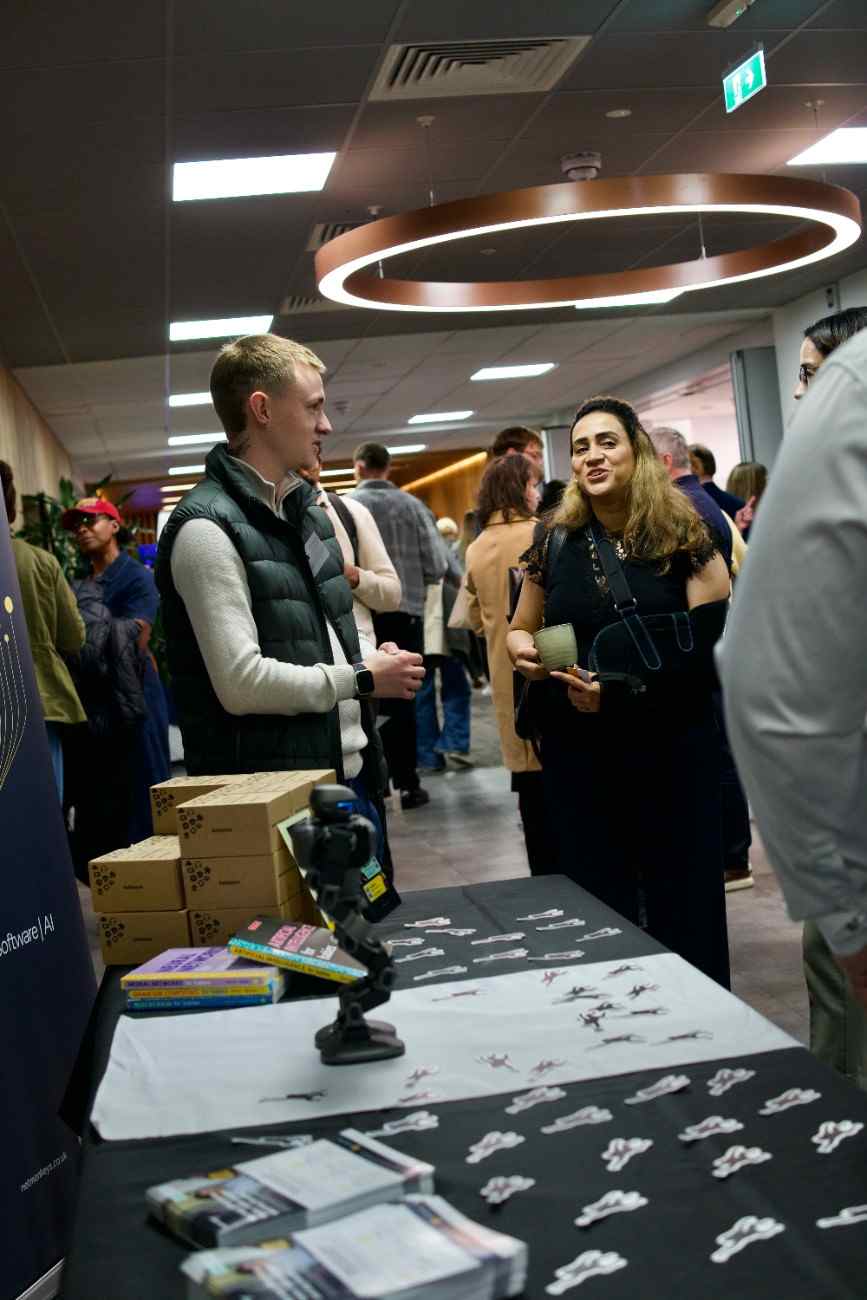
People at a NetMonkeys business technology event
NetMonkeys team photography. Illustrates the people and activities behind our services.
Usability comes first

Keep the next shift looking at the current information

Identify who publishes the information, who checks it and how old material is removed. Staff need to recognise the current version and know where to raise an error. If several sites share content, decide which information is central and which belongs to the local operation. The equipment is only one part of that communication process.

Review your room requirements

For a more detailed room brief, explore Training Room AV Solutions and AV Solutions for Meeting Rooms. These pages help connect this project with the specific activity your users need to complete.

Evidence before sign-off

Check briefings under normal depot conditions

Briefing-room noise, lighting and audience positions can differ from a quiet installation visit. Test readable content and speech in the agreed operating conditions. Where an activity carries a safety-critical requirement, identify it separately rather than assuming a general office AV test is sufficient. Specialist systems need their own assessment and validation.

Room priorities for AV Solutions for Transport
ActivityWhat the design should address
Depot briefing roomsStaff communication with an approved content route.
Training centresReadable material and clear audience participation.
Operations officesConferencing and collaboration for distributed teams.
Shared staff areasCurrent internal information with named ownership.
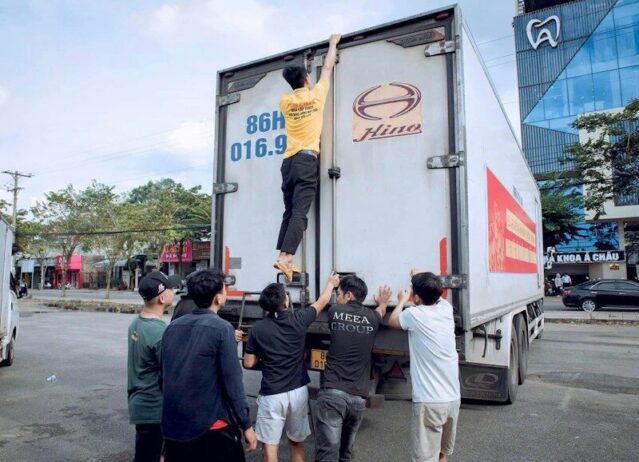
A person climbing the back of a Hino truck while others watch
Karata My / Unsplash. Illustrative photograph.
A controlled delivery plan

Coordinate AV delivery across transport operating hours

Plan around shifts, access and site rules

Give the installation team the operating schedule, room availability and authorised contact at each depot or office. Identify access restrictions and the boundaries around operational technology. For several sites, use a pilot to establish the ordinary-user controls and support record before repeating the design.

Compare the whole project

Price business AV separately from specialist operational systems

A briefing display, conferencing room and safety-critical announcement system are different projects. Ask the proposal to state which communication tasks are included and which systems remain outside scope. Hardware, installation and ongoing content or support responsibilities should be visible for each site.


Request a scoped proposal
Questions before you buy

Questions for transport operations and project leads

What is included in AV solutions for Transport?

AV solutions for transport organisations can include briefing-room displays, training technology, conferencing and internal information screens. The specification should address operating hours, background noise, content ownership and network separation. Passenger information or safety-critical control requires a separate validated design and specialist involvement.

Who keeps transport staff-display information current?

Identify who publishes the information, who checks it and how old material is removed. Staff need to recognise the current version and know where to raise an error. If several sites share content, decide which information is central and which belongs to the local operation. The equipment is only one part of that communication process.

Should depot AV be tested during normal operations?

Briefing-room noise, lighting and audience positions can differ from a quiet installation visit. Test readable content and speech in the agreed operating conditions. Where an activity carries a safety-critical requirement, identify it separately rather than assuming a general office AV test is sufficient. Specialist systems need their own assessment and validation.

Can installation be planned around shift patterns?

Give the installation team the operating schedule, room availability and authorised contact at each depot or office. Identify access restrictions and the boundaries around operational technology. For several sites, use a pilot to establish the ordinary-user controls and support record before repeating the design.

Does business AV include safety-critical transport systems?

A briefing display, conferencing room and safety-critical announcement system are different projects. Ask the proposal to state which communication tasks are included and which systems remain outside scope. Hardware, installation and ongoing content or support responsibilities should be visible for each site.
Business technology guides

Resources around transport workplace technology

These existing NetMonkeys guides address the IT, budget and support decisions around room technology. The descriptions explain their relevance to this project; they are not dedicated AV product reviews.

Explore related AV services

Training and meeting AV for distributed transport teams

Use the pages below to explore the room, sector or location most relevant to your project. Each page links back to our installation service so the equipment and delivery discussion stays connected.

Locations

Rooms, sectors and specialist requirements

Speak to NetMonkeys

Define the transport communication task first

Tell us which rooms or sites are involved, what users need to do and what is not working today. Bring any drawings, equipment lists and deadlines you already have. We will help identify the design, supply and installation work needed for a practical next step.

Updated 16 November 2026. Stock photography illustrates the relevant setting; it is not presented as a NetMonkeys installation or local client case study.